The task
The brand had a product and its own photography, and nowhere to sell from. It needed a store where the collection reads the way a lookbook reads, and where an order can be placed in a couple of taps.
It also needed to be found. People look for this kind of clothing by profession and by city, so the store had to carry a layer of pages built for those queries and lead all of them into the same catalogue.
What we built
The store opens like a lookbook
The first screen is a full-width shot of the brand with one line under it and one button into the catalogue. A running line follows with what the brand says about its clothes: own graphics, comfortable through a full day, three sizes for any figure, a fitting with a courier in Moscow.
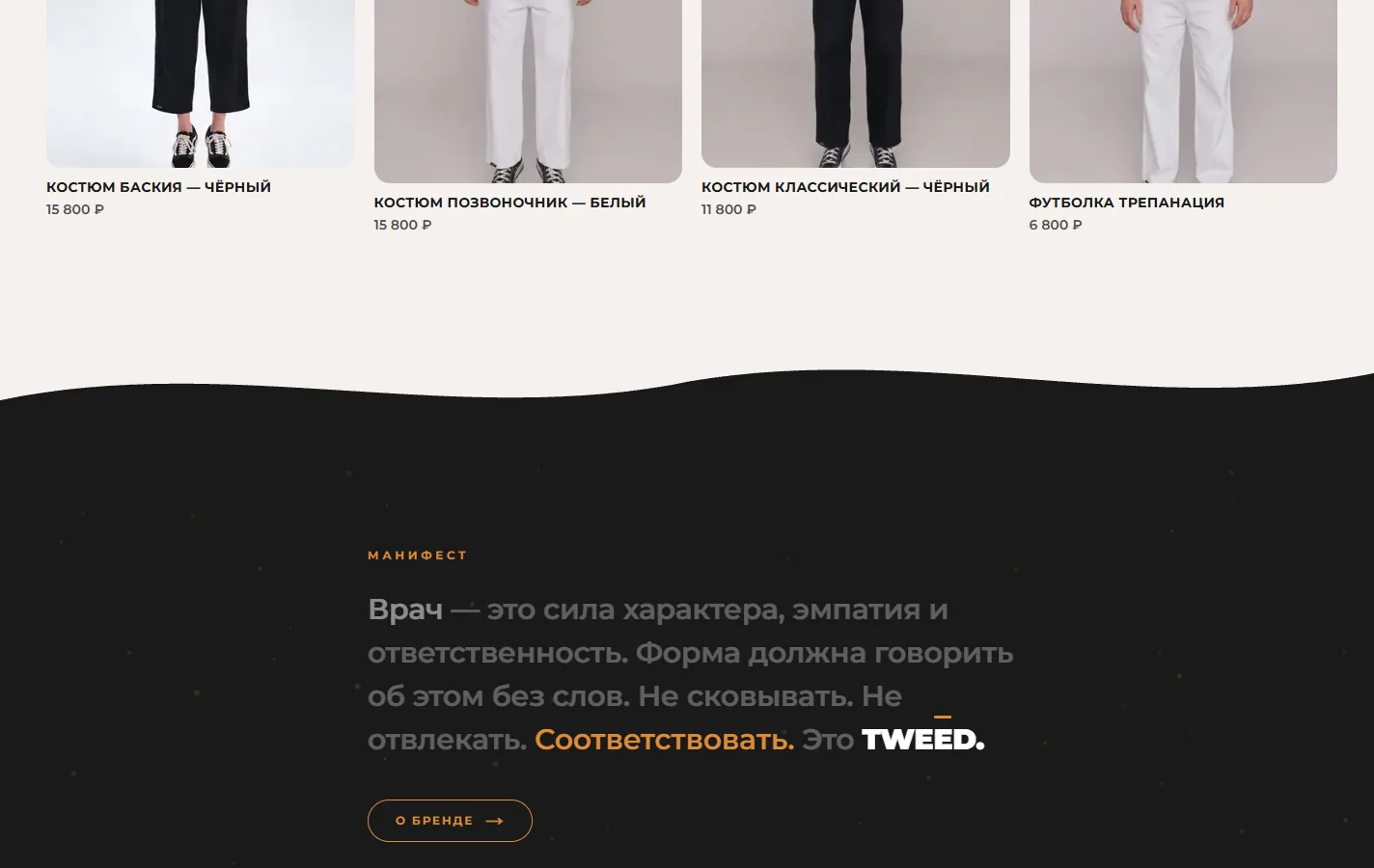
Under it the collection: four pieces with photography, name and price, and a link to the full catalogue. The prices are on the cards, so nobody has to open a product page just to learn the level.

Catalogue, product pages and ordering
The catalogue splits into suits, tops, bottoms and t-shirts, and every piece has its own page with size and colour. The order button opens a ready-made message in WhatsApp or Telegram, and the manager confirms what is in stock.
A size guide sits beside the catalogue, because the brand sells three universal sizes and the top and the bottom are bought separately. In Moscow a courier brings the pieces to try, and the customer pays for what fits.
The lookbook and the questions
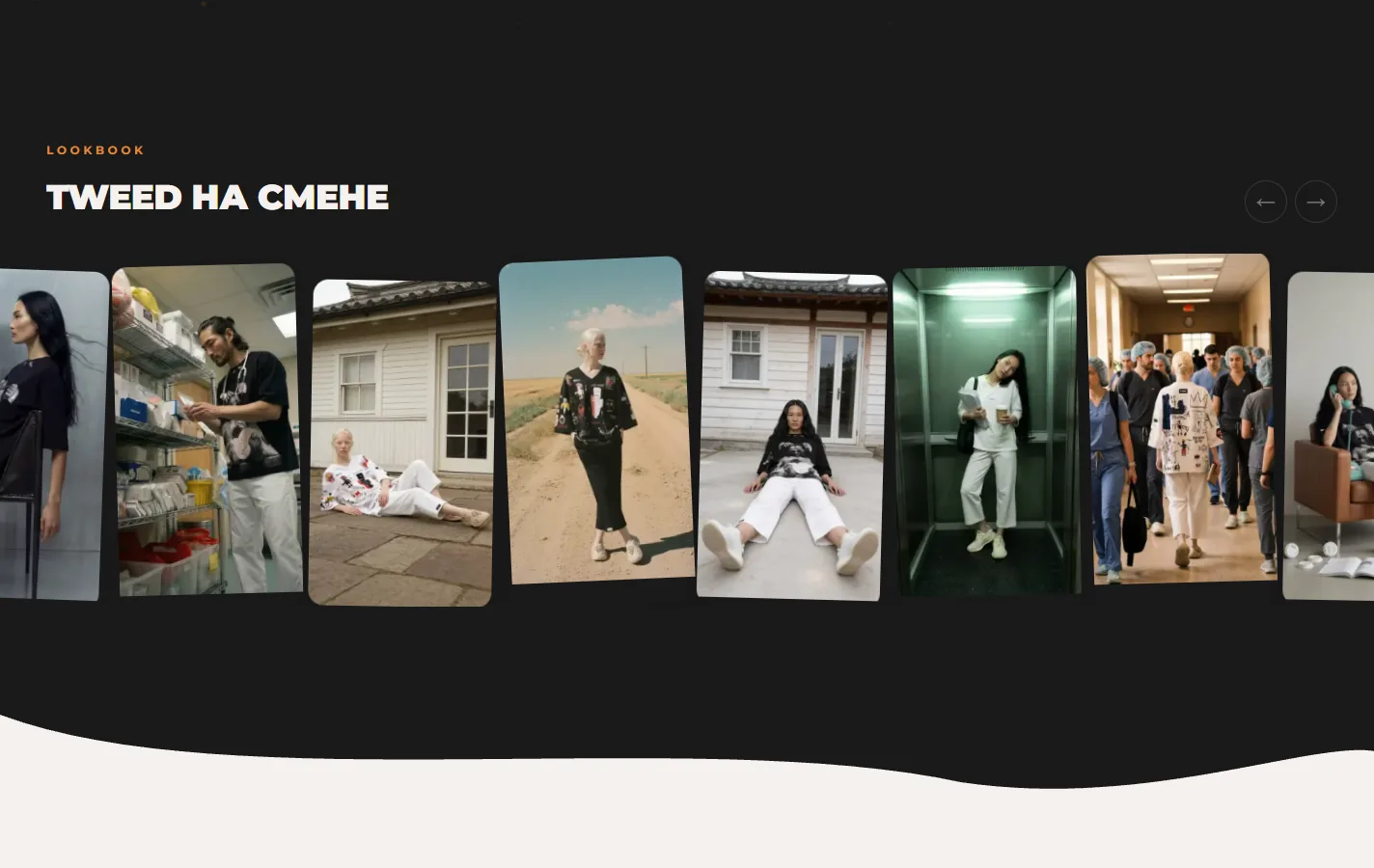
Between the catalogue and the footer there is a manifesto block and a lookbook: the brand’s own photography in a moving row of tilted frames. That is the part that makes the store read as a brand and not as a price list.
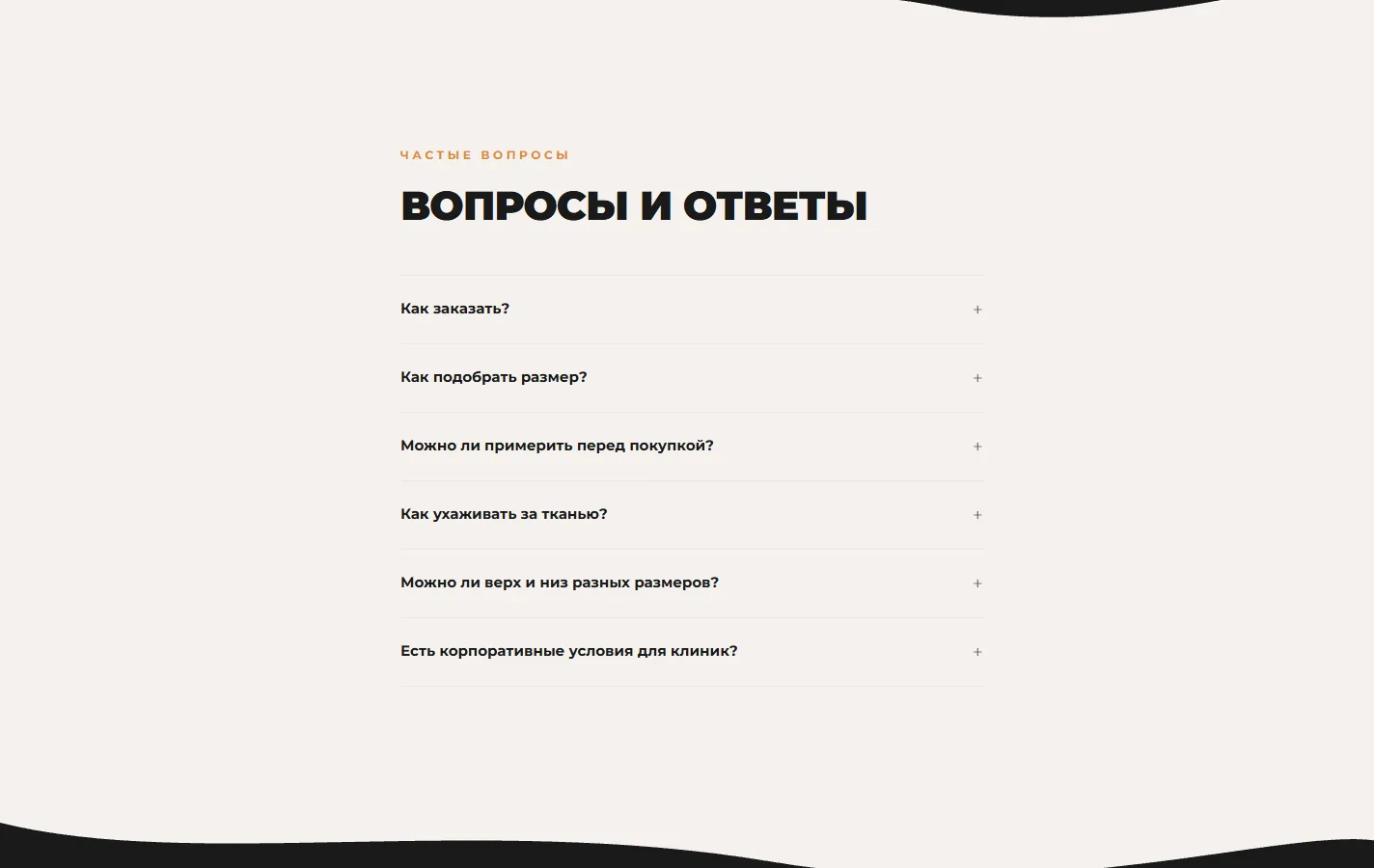
The questions at the foot answer what people write to the manager about anyway: how to order, how to pick a size, whether you can try before paying, how to wash it, and what the terms are for companies buying for their staff.
Search pages and social media
Under the store sits a layer of pages built for search: one page per profession the clothing is worn in, and one page per city the brand delivers to. Each answers a query someone actually types and leads into the same catalogue.
Alongside the store we run the brand’s social accounts, so the photography, the posts and the search pages all point at the same products.
Under the hood
Under the store sits a search layer: pages built for what people type, markup a search engine reads, and the automation that tells search engines when something new appears.


Pages
A page for each of 49 cities
The store carries 49 city pages.
And one for each of 32 professions
There are 32 profession pages, one for each job the clothing is worn in.

Search
What the store tells a search engine
The home page carries four blocks of JSON-LD markup: the company, the online store, the site itself, the list of goods and the questions.
The sitemap builds itself
The site generates its own sitemap: 202 addresses covering products, city pages, profession pages, the blog and the news, each with its own last-changed date. The sitemap

Automation
Open to AI crawlers
robots.txt names the AI crawlers that are let in: GPTBot, ClaudeBot, PerplexityBot, YandexBot, Google-Extended and others. llms.txt
A feed for price aggregators
The catalogue is also published as a YML feed, the format Yandex Market and other aggregators read. The product feed
New pages get reported to search
When a page is published or approved, a job sends its address to IndexNow and asks Yandex.Webmaster to recrawl it.

Speed and mobile
Desktop speed and the photographs
On desktop Lighthouse gives the store 100 out of 100 for performance, with the main image appearing in under 0.6 seconds.
The store on a phone
On a 390-pixel screen the store fits its width with nothing to scroll sideways, and the main button is 196 by 44 pixels.

Legal
Documents and the cookie notice
The privacy policy, the public offer and the terms are published and name the seller. Privacy policy
On a phone

What came out of it
- Store, social media and search traffic working as one system
- A separate page for every profession and every delivery city
- An order leaves the product card in a couple of taps
The brand now has one place where everything ends up. Search pages and social posts bring people to the catalogue, the catalogue shows the collection the way the brand photographs it, and the order goes to the manager from the product card.