The task
The service had to do more than recognise speech. The assistant joins a call on Zoom, Google Meet, Teams and the Russian platforms, stays silent and writes; a user can also drop in a file, a link or a voice message. Either way the answer is text with speakers, a summary of what was decided, and a chat that answers questions about the recording. All of that is language-model work sitting on top of the transcription.
The other half of the task was traffic. People now ask an assistant as often as they type a query, so the pages had to be written to be quoted and not only to rank.
What we built
Building the AI service: the way in
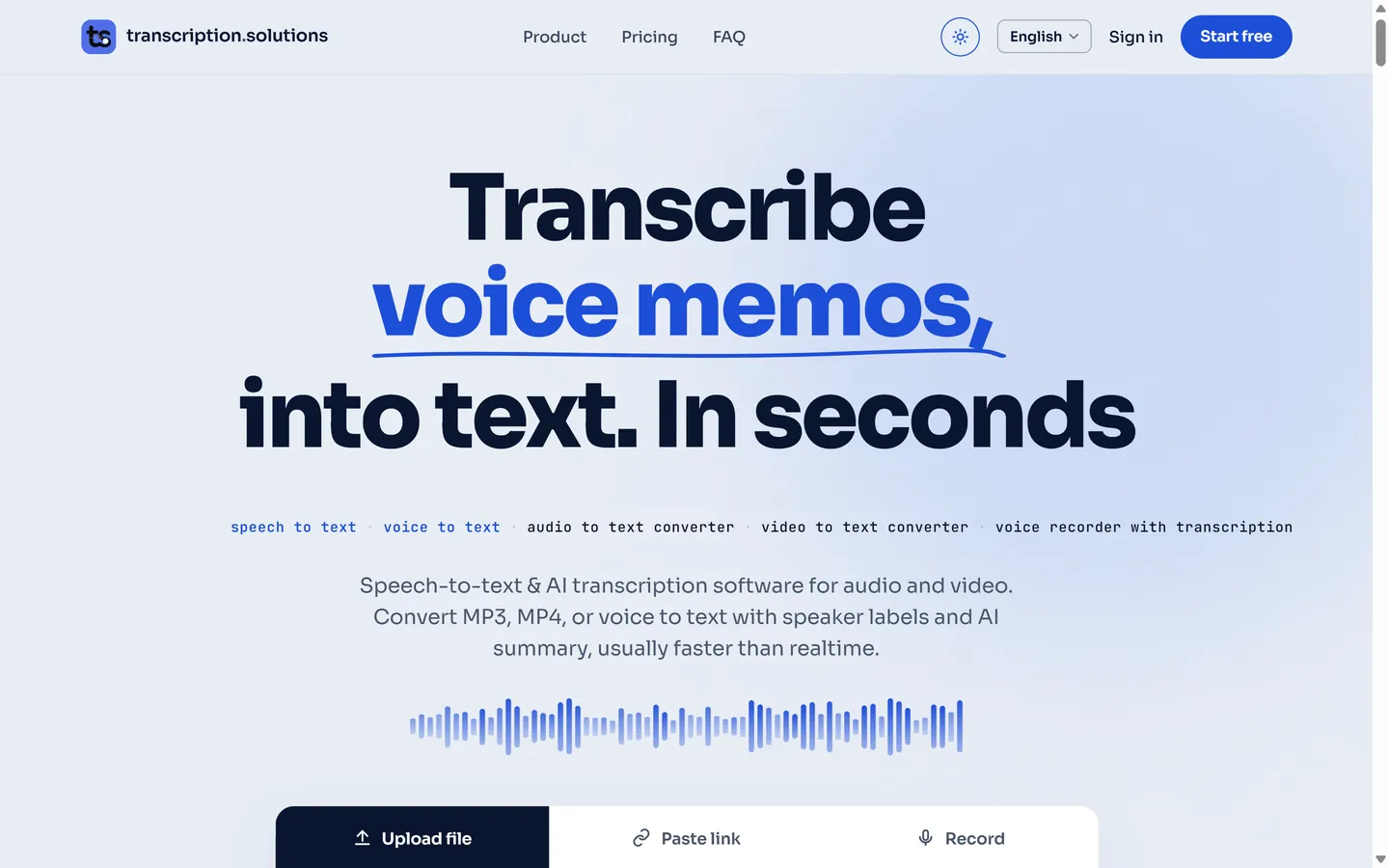
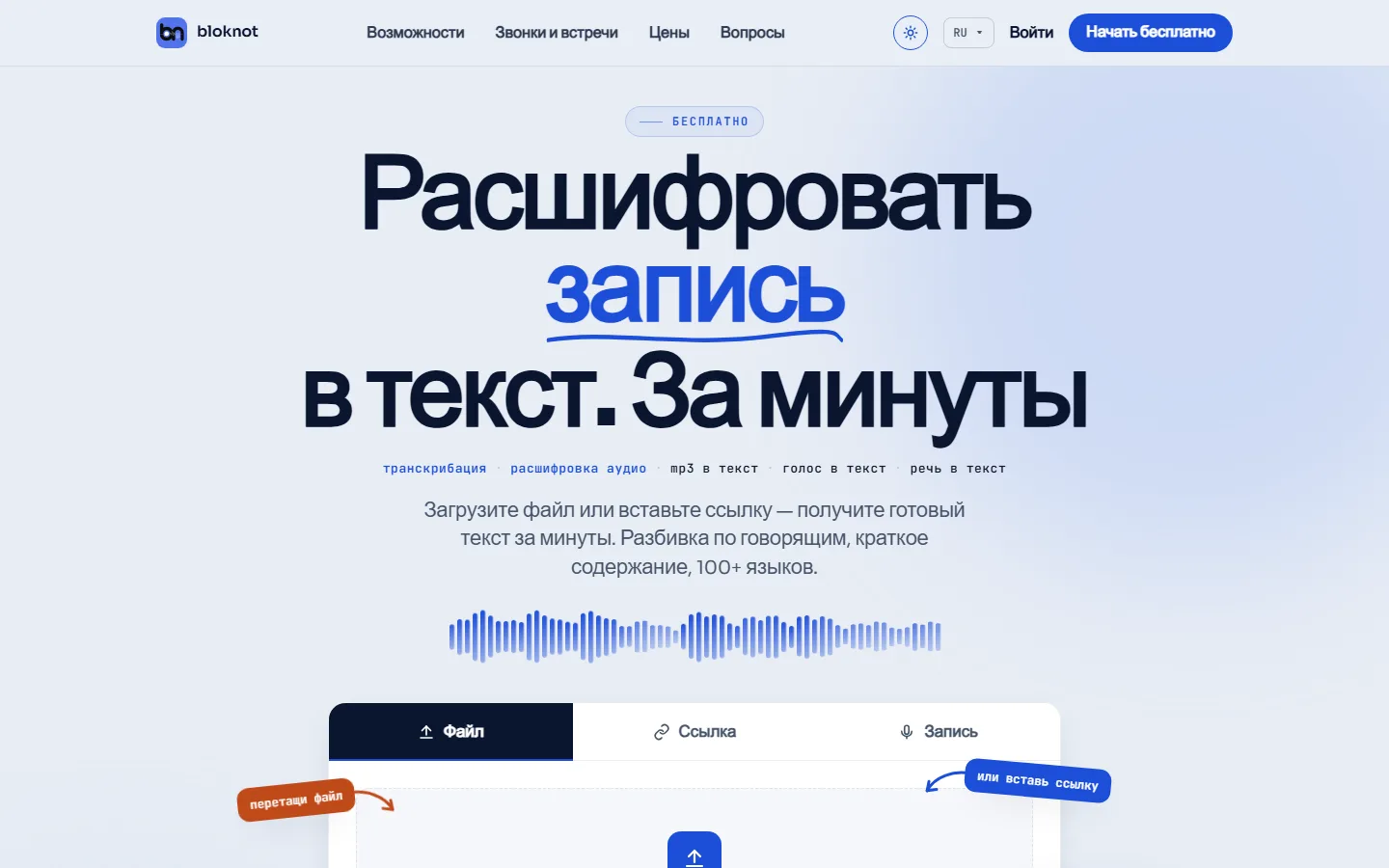
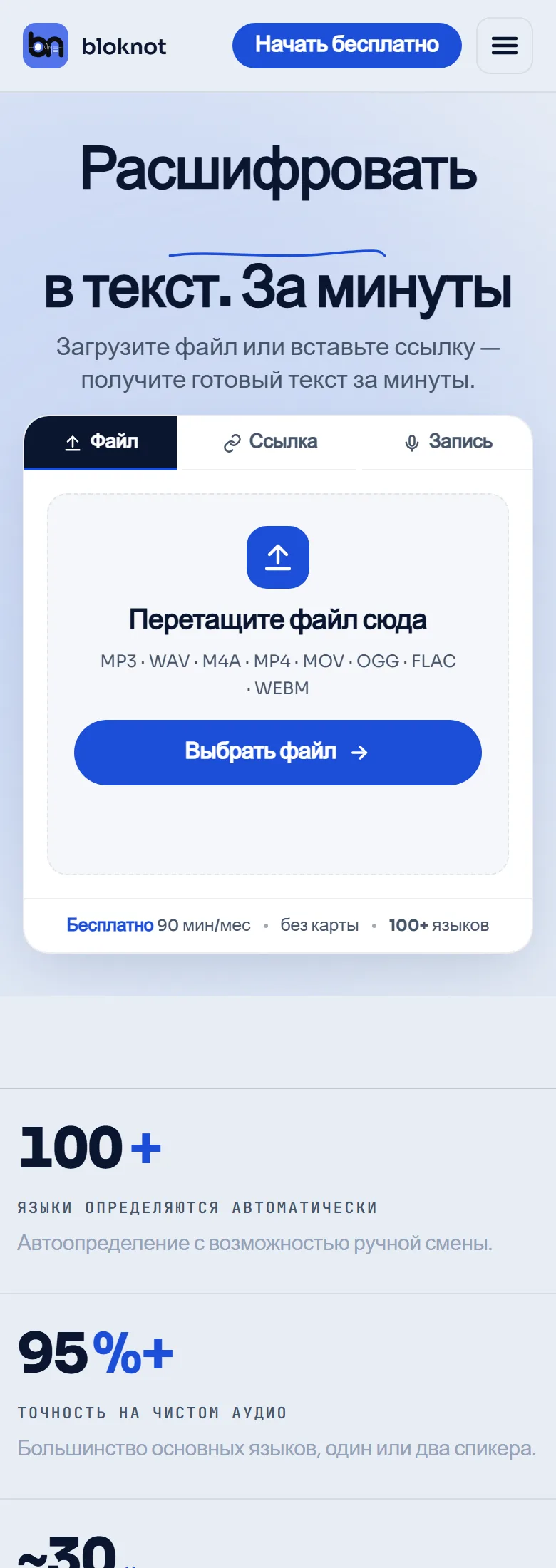
The home page is the product’s front door: a file, a link or a recording made in the browser, with formats and limits written next to the box. The free monthly allowance is stated there too, because that is where most people start.
A meeting has its own way in, under “Calls and meetings” in the menu: paste the link to a call and the assistant connects itself. Behind both sit the processing queue, speaker separation, exports in seven formats and a Telegram bot that shares one account and one balance with the site.
What comes back: a transcript by speaker
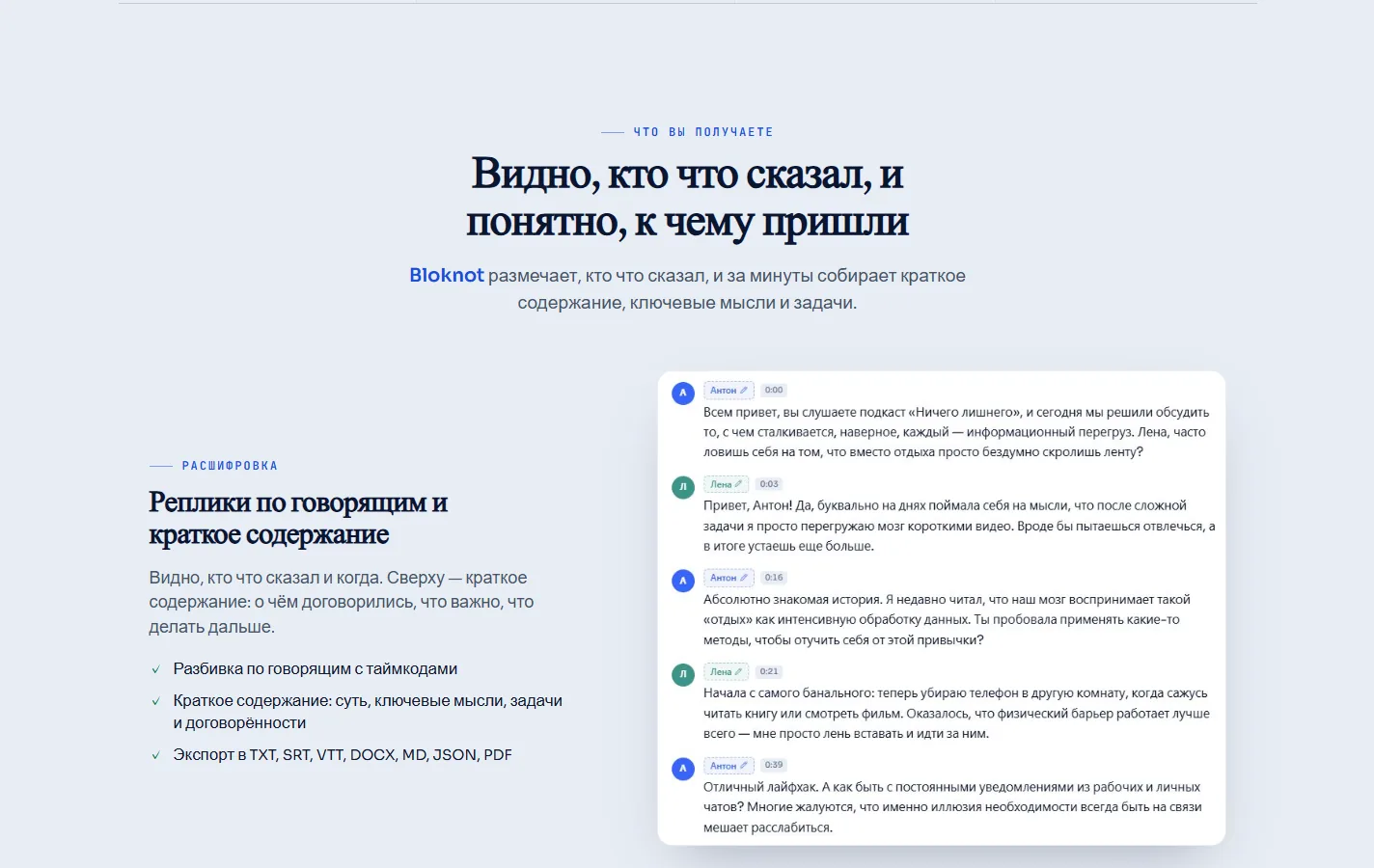
The result opens like a document. Each line carries a speaker and a timestamp, and the summary sits above the text: the gist, the key points, the agreements and the tasks.
Any line can be corrected in place: a speaker name, a word, a comma. The corrected text goes straight into the exports, and the site shows this with the real interface rather than describing it.
Where the language models do the work
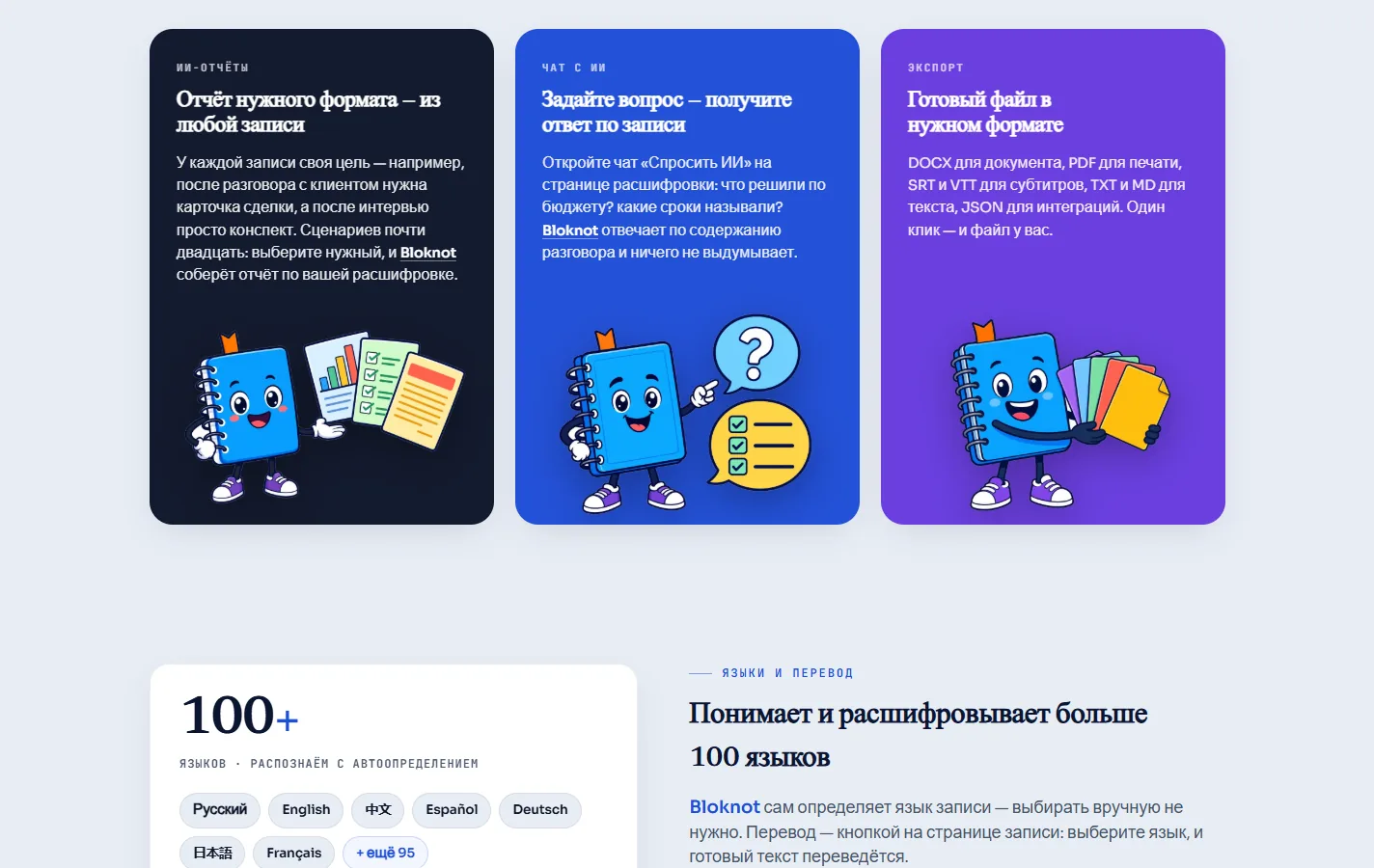
One recording can come back in close to twenty report formats: minutes of a meeting, a card for a sales call, a plain summary of a lecture. The user picks the format and the service assembles the report from their own transcript.
Next to it is a chat over the recording. Ask what the deadlines were or who agreed to what, and the answer comes with the timestamp it was taken from. Language detection and translation sit in the same place, and the service recognises speech in more than a hundred languages.
An API, shared access and search
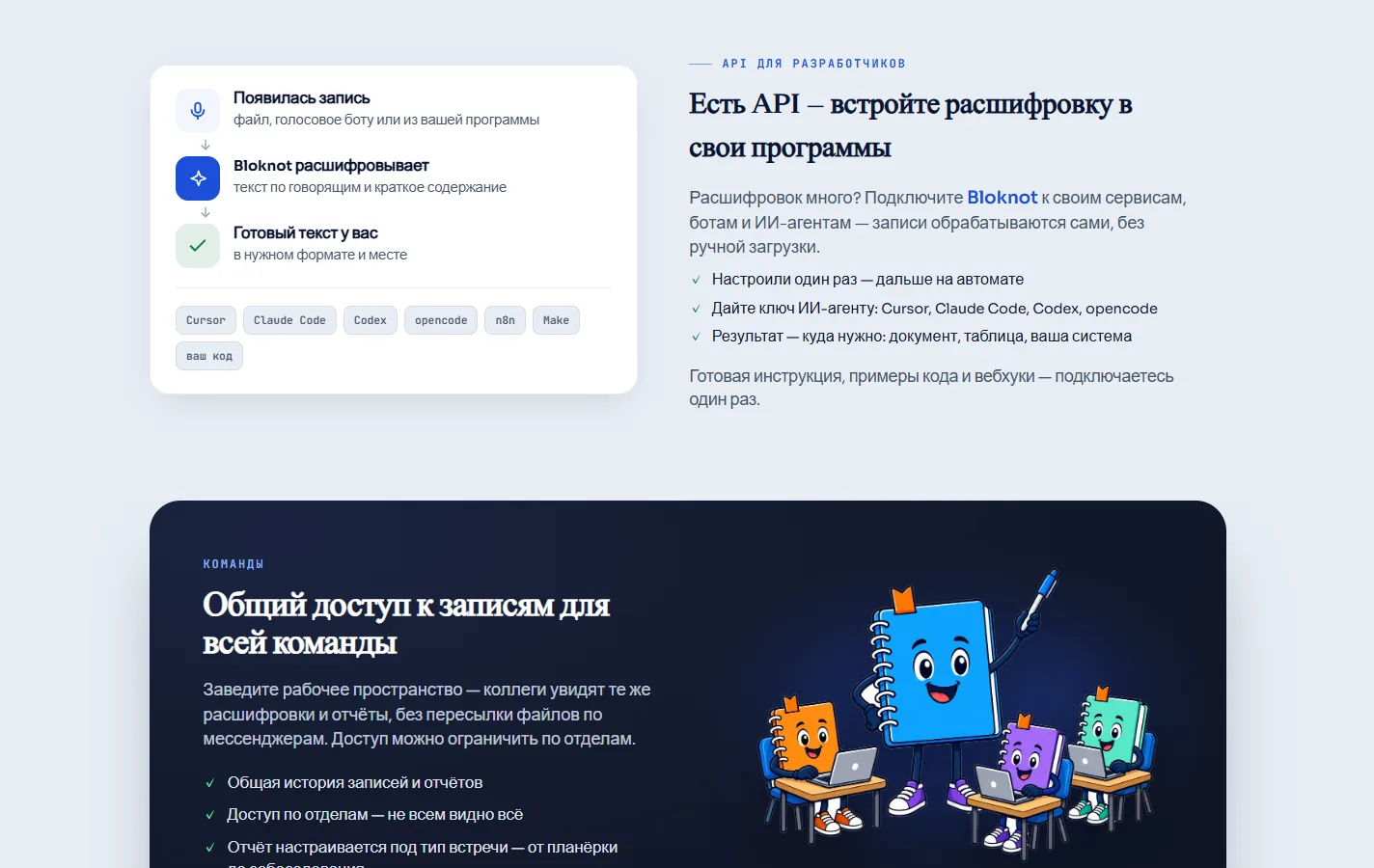
Transcription can be wired into other systems: a key, a webhook, and recordings are handled without anyone uploading them by hand. Teams get a shared workspace where colleagues see the same recordings and reports, with access limited by department.
The promotion was built on the same pages. Every use case has a page of its own: a call, a webinar, an interview, a voice message. Each answers one query directly, and those are the pages an assistant quotes when it names a source.
Under the hood
Under the product sit the parts a user never opens: the support system, the payment rail, the markup that gets the service quoted, and the server all of it runs on.


Support
The support bot answers on three channels
Asya answers in the chat widget on the site, in Telegram and by email.
A knowledge base of 39 articles
The bot answers from 39 articles kept as plain Markdown in git.
Answers are scored before they ship
The model is reached through OpenRouter, with a second one configured as a fallback.
Money questions go to a person
Refunds, charges and disputes are recognised by wording before the model is asked anything, and the conversation is handed to a named operator with an alert in Telegram.


Search and AI answers
Russian and English versions
Each version has its own address, and the two point at each other with hreflang tags, so search shows a visitor the version in their own language.
Markup and the sitemap
The pages carry JSON-LD markup of the Organization and SoftwareApplication types, a canonical address and a large-image preview for messengers.
A file for language models
The site publishes llms.txt: a short description of the service written for language models.


Money
Payment and minute packs
Payments go through YooKassa with fiscal receipts, and its webhooks are accepted only from its own addresses.

Law
The data stays in Russia
The support system runs on its own server in Russia, which is what the personal-data law asks for.


Meetings
Two ways into a meeting
On Zoom, Google Meet and Microsoft Teams the bot joins the call through Recall.ai.
On a phone
Stickers for the messengers
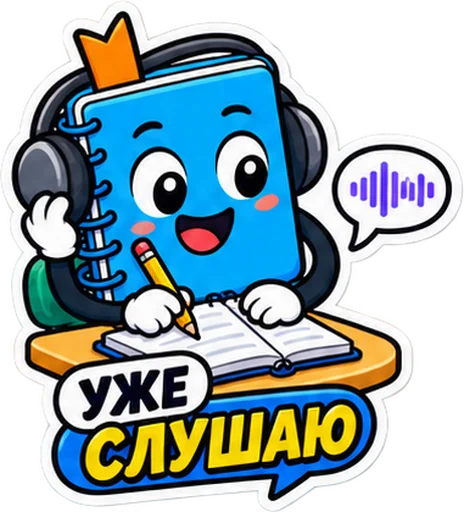
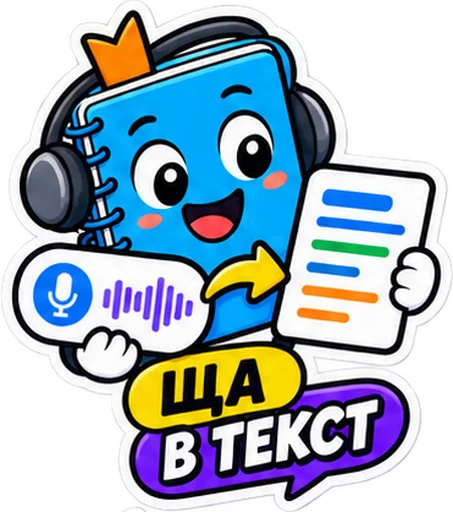
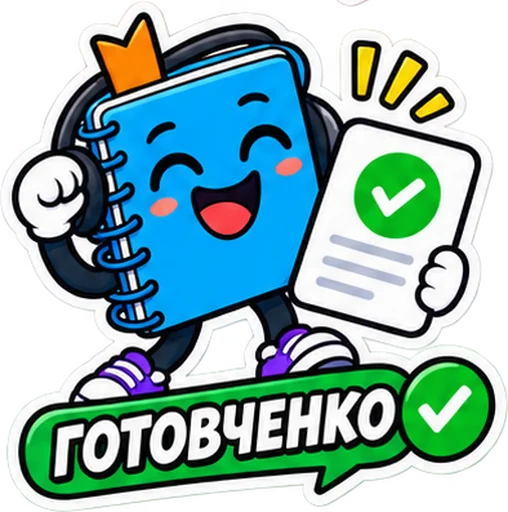
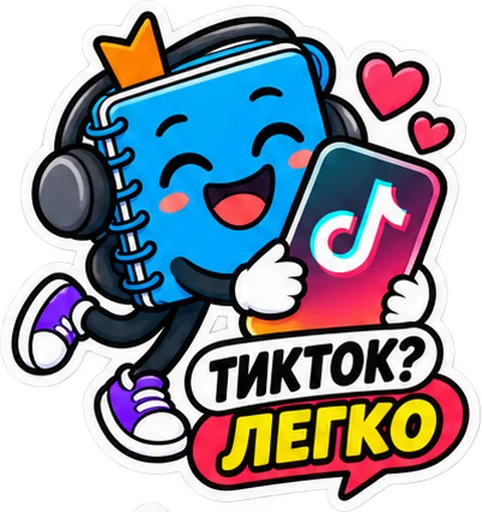
The brand character as a sticker pack: sent to customers in Telegram, used in posts and mailings.








What came out of it
- The service gets cited by language models in its topics
- The assistant joins an online meeting on its own and sends the text back with the tasks
- Recordings, summaries and reports live in one place, and a team shares them
The service now covers the whole path: a call, a file or a voice message arrives from the site, the bot or another system, comes back as text with a summary, and turns into the report the user needs.